
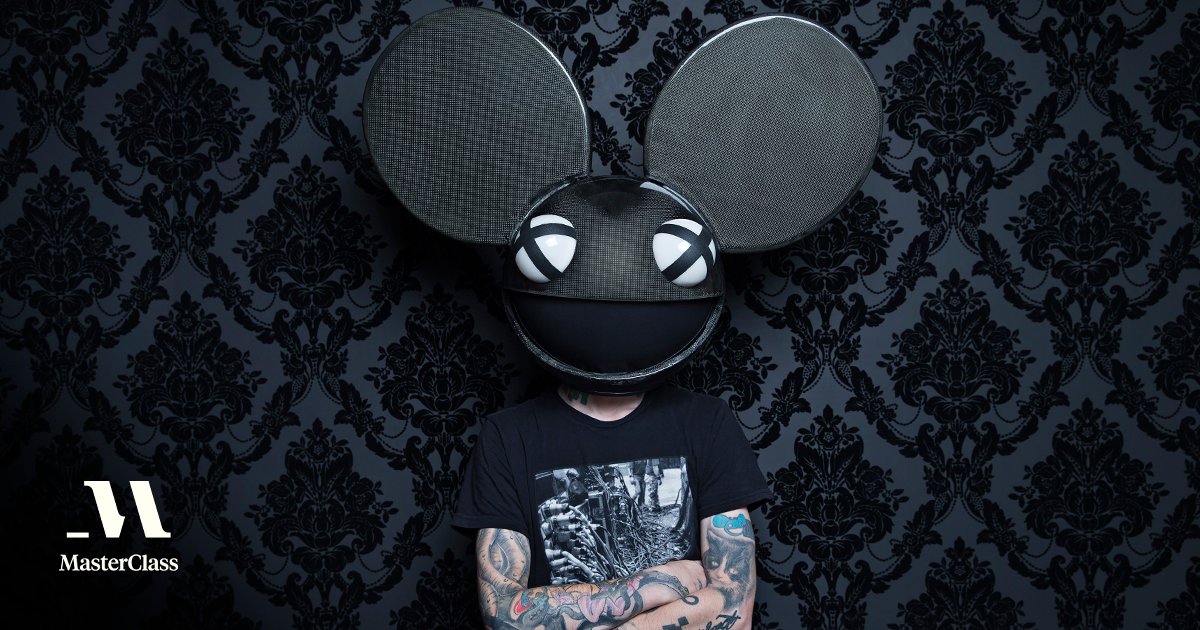
🎧 “MasterClass” Misses Mastery: A Critical Review – Deadmau5’s Lesson on Music Production

🎧 Deadmau5’s MasterClass: All Show, No Signal

MasterClass is marketed as a place to learn directly from the best.

When an internationally known producer like Deadmau5 takes the seat as an instructor, most students expect to walk away with industry-level knowledge—especially about the technical backbone of professional music production. But many viewers, myself included, walked away feeling more sold on his image than taught his process.

The Missing Core: Recording and Stems

Let’s get one thing straight — when someone like Deadmau5 drops a MasterClass, you expect fire.
You expect hard-earned knowledge from a legend who’s shaped modern EDM.
What you don’t expect… is a glorified gear tour with the actual meat of music production missing in action.

But here we are.

🧰 A Gear Parade Masquerading as a Lesson

Throughout the course, he keeps hammering the idea that you don’t need fancy equipment — “Skrillex will laptop you out,” he jokes.
And then he proceeds to showcase wall-to-wall modular gear, high-end studio toys, and personal setups that most new producers can’t even dream of affording.

The result? A weird contradiction.
On one hand, he says “you don’t need this.”
On the other, every lesson is wrapped in “but look at my spaceship.”

It’s entertaining, sure.
But education? Not so much.


One of the biggest frustrations in this class was the lack of clear explanation around one of the most essential parts of modern production: recording and exporting stems.
Instead of demonstrating how to properly record and print the original signal, route audio internally, and bounce grouped stems for professional mixing, the class glossed over these fundamentals.

Deadmau5 repeatedly claimed he “does everything live and prints it,” but never actually showed the practical recording workflow behind those words. For a student hoping to learn the actual technical path from idea to export-ready stems, this was a major gap.

More Gear Talk Than Guidance

Another sore point was the heavy focus on his gear and personal setup. He emphasized that expensive tools aren’t required to make great music—yet the class leaned heavily on showcasing his custom-built modular racks and high-end hardware, without showing a beginner how to achieve similar results on a standard DAW.

It felt more like watching a behind-the-scenes brag reel than an actual structured class.

“Skrillex Will Laptop You Out” — But Then What?

Deadmau5 joked that you don’t need all the gear, that someone like Skrillex can “laptop you out.” But when it came to showing how you could achieve that level of control and output on a laptop, the step-by-step teaching never came.

No deep dives into grouping workflow.

No real signal routing explanations.

No proper demonstration of stem management.

No export and delivery techniques—core skills every pro uses.

For a course labeled a MasterClass, skipping these steps is more than disappointing; it’s misleading to students expecting professional education rather than performance theatre.

A Missed Opportunity for Canada’s Artist Reputation

As one of Canada’s most famous electronic artists, Deadmau5 represents a big slice of the national EDM identity. That’s why the lack of substance in his class stings more: it was a missed opportunity to educate and inspire the next generation of producers in a real, tangible way.

Great producers don’t just show off their gear—they demystify their process. They break down how the sound leaves the synth, enters the DAW, is recorded, processed, grouped, stemmed, exported, and prepared for mixing or live performance. That’s what students expect from a master.

Final Thoughts

Deadmau5’s MasterClass may be entertaining, but entertainment isn’t education.
For serious producers looking to learn actual professional workflows—signal routing, recording, stem export, and live printing—it falls flat.

If anything, this class highlights a broader issue in celebrity-led education: not every star is a teacher. Real mastery isn’t just about knowing how to do something; it’s about being able to teach it clearly.
Category: Tips & Tricks

  • 🎧 “MasterClass” Misses Mastery: A Critical Review – Deadmau5’s Lesson on Music Production

    🎧 “MasterClass” Misses Mastery: A Critical Review – Deadmau5’s Lesson on Music Production

    🎧 Deadmau5’s MasterClass: All Show, No Signal

    MasterClass is marketed as a place to learn directly from the best.

    When an internationally known producer like Deadmau5 takes the seat as an instructor, most students expect to walk away with industry-level knowledge—especially about the technical backbone of professional music production. But many viewers, myself included, walked away feeling more sold on his image than taught his process.

    The Missing Core: Recording and Stems

    Let’s get one thing straight — when someone like Deadmau5 drops a MasterClass, you expect fire.
    You expect hard-earned knowledge from a legend who’s shaped modern EDM.
    What you don’t expect… is a glorified gear tour with the actual meat of music production missing in action.

    But here we are.

    🧰 A Gear Parade Masquerading as a Lesson

    Throughout the course, he keeps hammering the idea that you don’t need fancy equipment — “Skrillex will laptop you out,” he jokes.
    And then he proceeds to showcase wall-to-wall modular gear, high-end studio toys, and personal setups that most new producers can’t even dream of affording.

    The result? A weird contradiction.
    On one hand, he says “you don’t need this.”
    On the other, every lesson is wrapped in “but look at my spaceship.”

    It’s entertaining, sure.
    But education? Not so much.


    One of the biggest frustrations in this class was the lack of clear explanation around one of the most essential parts of modern production: recording and exporting stems.
    Instead of demonstrating how to properly record and print the original signal, route audio internally, and bounce grouped stems for professional mixing, the class glossed over these fundamentals.

    Deadmau5 repeatedly claimed he “does everything live and prints it,” but never actually showed the practical recording workflow behind those words. For a student hoping to learn the actual technical path from idea to export-ready stems, this was a major gap.

    More Gear Talk Than Guidance

    Another sore point was the heavy focus on his gear and personal setup. He emphasized that expensive tools aren’t required to make great music—yet the class leaned heavily on showcasing his custom-built modular racks and high-end hardware, without showing a beginner how to achieve similar results on a standard DAW.

    It felt more like watching a behind-the-scenes brag reel than an actual structured class.

    “Skrillex Will Laptop You Out” — But Then What?

    Deadmau5 joked that you don’t need all the gear, that someone like Skrillex can “laptop you out.” But when it came to showing how you could achieve that level of control and output on a laptop, the step-by-step teaching never came.

    No deep dives into grouping workflow.

    No real signal routing explanations.

    No proper demonstration of stem management.

    No export and delivery techniques—core skills every pro uses.

    For a course labeled a MasterClass, skipping these steps is more than disappointing; it’s misleading to students expecting professional education rather than performance theatre.

    A Missed Opportunity for Canada’s Artist Reputation

    As one of Canada’s most famous electronic artists, Deadmau5 represents a big slice of the national EDM identity. That’s why the lack of substance in his class stings more: it was a missed opportunity to educate and inspire the next generation of producers in a real, tangible way.

    Great producers don’t just show off their gear—they demystify their process. They break down how the sound leaves the synth, enters the DAW, is recorded, processed, grouped, stemmed, exported, and prepared for mixing or live performance. That’s what students expect from a master.

    Final Thoughts

    Deadmau5’s MasterClass may be entertaining, but entertainment isn’t education.
    For serious producers looking to learn actual professional workflows—signal routing, recording, stem export, and live printing—it falls flat.

    If anything, this class highlights a broader issue in celebrity-led education: not every star is a teacher. Real mastery isn’t just about knowing how to do something; it’s about being able to teach it clearly.
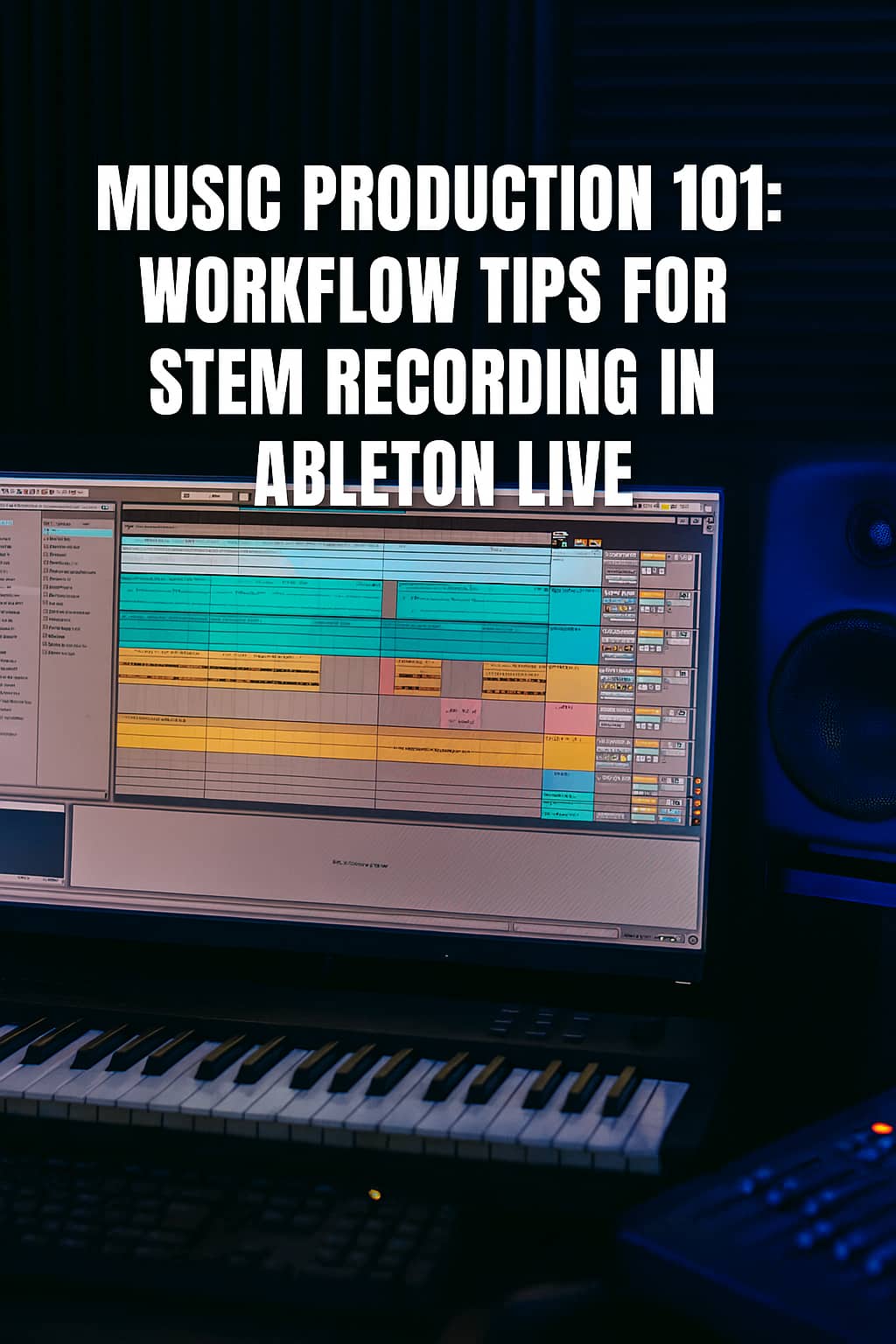
  • Music Production 101: Workflow Tips for Stem Recording in Ableton Live

    Music Production 101: Workflow Tips for Stem Recording in Ableton Live

    Mastering Stems Like a Pro 🎵

    One day, I decided to dive into a convo about stems and mixing. Here’s what I asked:
    Should I mix stems by frequency spectrum or by elements like drums, bass, synths, etc.? I’m currently grouping by low and top frequencies, with drums separate, and mids sometimes included above 100Hz. Occasionally, I split into low, mid, and top for stems before mastering. What’s the pro approach?

    🎚️ Frequency-Based vs. Element-Based Mixing

    ✅ Element-Based Grouping (Pro Choice)

    Most pros group stems by musical elements—drums, bass, synths, vocals—for maximum control and clarity. Why it works:

    • 🎯 Precision Control: Adjust drums’ punch, bass warmth, or vocal clarity independently.
    • 🎛️ Better Processing: EQ, compression, and saturation are easier to dial in.
    • 🔁 Flexible Revisions: Mastering engineers can tweak specific elements without hassle.

    Typical Stem Groups:

    Stem Group Contents
    🥁 Drums Kick, snare, hats, percussion
    🎸 Bass Sub bass, synth bass, electric bass
    🎹 Synths/Keys Pads, leads, arps, pianos
    🎤 Vocals Lead, backing, harmonies
    🎧 FX Risers, sweeps, impacts
    🎸 Guitars Rhythm, lead, acoustic

    ⚠️ Frequency-Based Grouping (Use Sparingly)

    Grouping by frequency (low, mid, high) can work for experimental or sound design-heavy tracks, but it’s less practical. Challenges:

    • 🎚️ Overlap Confusion: Synths and vocals often span multiple bands.
    • 🎧 Less Musical: Harder to make creative, musical decisions.
    • 🧩 Mastering Limits: Engineers struggle to isolate elements for polish.

    🧠 Pro Tips for Stem Printing

    • Stick to element-based groups for clarity.
    • 🎯 Keep stems clean: No clipping, consistent levels, minimal processing.
    • 📁 Export as 24-bit WAV with names like Drums.wav, Bass.wav.
    • 🧪 Include a reference mix to share your vision.

    🥁 Reviewing Your Setup

    You’re using low and top frequency groups, with drums separate and mids sometimes above 100Hz. This can work but risks overlap and confusion. Try this instead:

    • Drums
    • Bass
    • Synths
    • Vocals
    • FX
    • Optional: Guitars or Pads

    🎛️ Why I Record in Ableton Live

    I mentioned preferring real-time recording in Ableton Live over exporting for better quality and accuracy. Here’s why it’s a pro move:

    ✅ Advantages of Resampling

    • 🎯 Captures Live FX & Automation: Records every tweak as you hear it.
    • 🎧 Avoids Glitches: Some plugins misbehave during offline rendering.
    • 🔊 Preserves Integrity: No phase shifts or aliasing from fast exports.
    • 🧠 WYSIWYG: What you hear is what you get.

    🧪 Pro Workflow in Ableton

    • Resampling Track: Create an audio track, set input to Resampling, solo the group, and record.
    • Group by Elements: Use musical roles (Drums, Bass, etc.) over frequencies.
    • Export Tips: Save as 24-bit WAV, match project sample rate, include a reference mix.

    Pro Insight: Engineers like Andrew Scheps and Fab Dupont swear by element-based stems and real-time recording for analog-style plugins.

    🧰 Your Ableton Stem Template

    Here’s a pro-level stem recording setup for Ableton Live:

    🧱 Track Groups

    Group Name Tracks Inside Notes
    🥁 Drums Kick, Snare, Hats, Percussion Use Drum Rack or separate tracks
    🎸 Bass Sub Bass, Synth Bass Keep mono if needed
    🎹 Synths Pads, Leads, Arps, Keys Split melodic vs ambient if desired
    🎤 Vocals Lead, Backing, Harmonies Include FX if baked in
    🎧 FX Risers, Sweeps, Impacts Split tonal vs noise if needed
    🎸 Guitars Rhythm, Lead, Acoustic Only if used

    🔴 Resampling Setup

    1. Create an Audio Track (e.g., Drums Stem).
    2. Set Audio From to Resampling.
    3. Solo the group, arm the track, and record.
    4. Repeat for each stem.

    Tip: Use Export Audio/Video with “Selected Tracks Only” for offline bounces, but resampling is king for accuracy.

    📁 Export Checklist

    • Format: 24-bit WAV
    • Sample Rate: Match project (44.1kHz or 48kHz)
    • Normalize: Off
    • Dither: Off (unless downsampling)
    • Headroom: -3 to -6 dB peak
    • Include: Reference Mix and Tempo Info

    🧰 Save as Template

    • Go to File → Save Live Set as Template.
    • Name it Stem Print Mastering Template.
    • Reuse for every project.

    This setup will have you prepping stems like a pro! Reach me up if you need a visual diagram or tips for analog mastering chains.

    — Eli


  • Mix With Stems To Intensify Your DJ Set

    Mix With Stems To Intensify Your DJ Set

    As DJs, we are constantly searching for ways to elevate our sets and create memorable experiences for our audiences. One powerful technique that has been gaining traction is mixing with stems. Stems allow DJs to break down a track into its individual components, such as drums, bass, vocals, and melodies, and manipulate them independently. This adds a new layer of creativity and control to your performances, enabling you to craft unique, dynamic sets that stand out. Let’s explore how mixing with stems can transform your DJ set and provide some exciting ideas to get you started.

    What Are Stems?

    Stems are individual audio tracks that make up a complete song. They are typically separated into key elements: drums, bass, vocals, and harmony. By using stems, you can isolate and manipulate each element independently, allowing for more precise and creative mixing. This level of control can bring a new dimension to your sets, making them more engaging and immersive for your audience.

    Benefits of Mixing with Stems

    Enhanced Creativity:
    Stems give you the freedom to reimagine tracks on the fly. You can blend the vocal of one song with the bassline of another, creating entirely new musical experiences. This level of creativity can help you develop a signature sound that sets you apart from other DJs.

    Seamless Transitions:
    By isolating elements, you can create smoother transitions between tracks. For instance, you can gradually introduce the drums of the next track while keeping the current track’s melody and vocals, ensuring a seamless and engaging mix.

    Live Remixing:
    Stems allow you to perform live remixes, adding your own flair to popular tracks. You can manipulate individual elements to suit the energy of the crowd, keeping the dance floor alive and pulsating.

    Better EQ Control:
    With stems, you have more precise control over the EQ. You can enhance or diminish specific elements without affecting the entire track, allowing for cleaner and more balanced mixes.

    Exciting Ideas for Using Stems in Your DJ Set

    Mashups and Layering:
    Create unexpected mashups by layering vocals from one track over the instrumental of another. Experiment with different genres to surprise and delight your audience. For example, try mixing a classic rock vocal with a modern EDM beat.

    Live Edits:
    Use stems to create live edits of your favorite tracks. Extend the breakdowns, add unique build-ups, or even strip a track down to its core elements for a minimalist vibe before bringing it back in full force.

    Interactive Sets:
    Engage with your audience by incorporating live elements such as beatboxing or live instrumentals into your stem mixes. This adds an interactive and unpredictable element to your performance, making it more memorable.

    Dynamic Build-Ups and Drops:
    Utilize stems to craft more dynamic build-ups and drops. You can control the intensity by gradually introducing or removing elements, creating anticipation and excitement before the drop hits.

    Custom Acapellas:
    Extract acapellas from your favorite tracks and use them creatively in your set. Layer them over different instrumentals or use them as a tool for audience sing-alongs and crowd interactions.

    Getting Started with Stems

    To start mixing with stems, you’ll need software that supports stem mixing, such as Ableton Live, Traktor, or Serato. Many tracks available for purchase now come with stems, or you can create your own using stem separation tools. Practice is key, so spend time experimenting with different combinations and techniques to find what works best for your style.

    Mixing with stems opens up a world of possibilities for DJs. It allows for unprecedented creativity and control, enabling you to craft sets that are truly unique and captivating. By incorporating stems into your DJ arsenal, you can elevate your performances and create unforgettable experiences for your audience. So, dive in, experiment, and let your creativity flow – the dance floor awaits your magic!

  • 5 Ways A DJ Can Be The Life Of The Party

    5 Ways A DJ Can Be The Life Of The Party


    Being the Life of the Party | FEELE DJ Entertainment

    Being the Life of the Party Isn’t About Flashy Stunts

    It’s About Connection, Creativity, and Pure Positive Energy

    BOOK DJ NOW


    ✨ Here are 5 powerful ways to become the true heart of any gathering ✨

    1. Be Your Authentic Self

    When you’re genuine, people are naturally drawn to you. Embrace your quirks, passions, and vibe. Your authenticity radiates and sets the tone for fun.

    Personal Story: I once used humor and my love for music to get everyone laughing — what started as a quiet evening turned into a mini dance party. 🎶

    2. Show Genuine Interest in Others

    People love being seen and heard. Ask about their stories, listen with curiosity, and connect through shared interests — especially music!

    Personal Story: At a colleague’s birthday, I sparked conversations about everyone’s favorite tracks. By the end, the dance floor was full of new friends and good vibes.

    3. Bring Positive, Electric Energy

    Energy is contagious. Smile, move, and let your excitement spread! Whether it’s a spontaneous dance-off or a perfectly timed drop, your vibe fuels the night.

    Personal Story: At a wedding, I started dancing during setup — next thing I knew, half the room joined in before the first track dropped. 🔥

    4. Include Everyone in the Experience

    No one should feel left out. Invite shy guests into group chats, introduce people, and make space for everyone to feel part of the energy.

    Personal Story: During a house party, I encouraged guests to take turns picking songs. Suddenly, strangers became collaborators on the dance floor.

    5. Bring Creative Surprises

    Keep the night fresh with creative touches — from spontaneous games to light shows or special guests. Surprise keeps the excitement alive.

    Personal Story: At a summer BBQ, I brought in a roaming magician. The grand finale had everyone cheering — an instant unforgettable vibe! 🎩✨

    Book FEELE DJ Entertainment

    Ready to elevate your event with unforgettable music and atmosphere?
    Let’s make your night a dream come true.

    Contact Us